In case you have not provided permission for your location access, a pop-up appears for the location access. Allow the application to access your location.
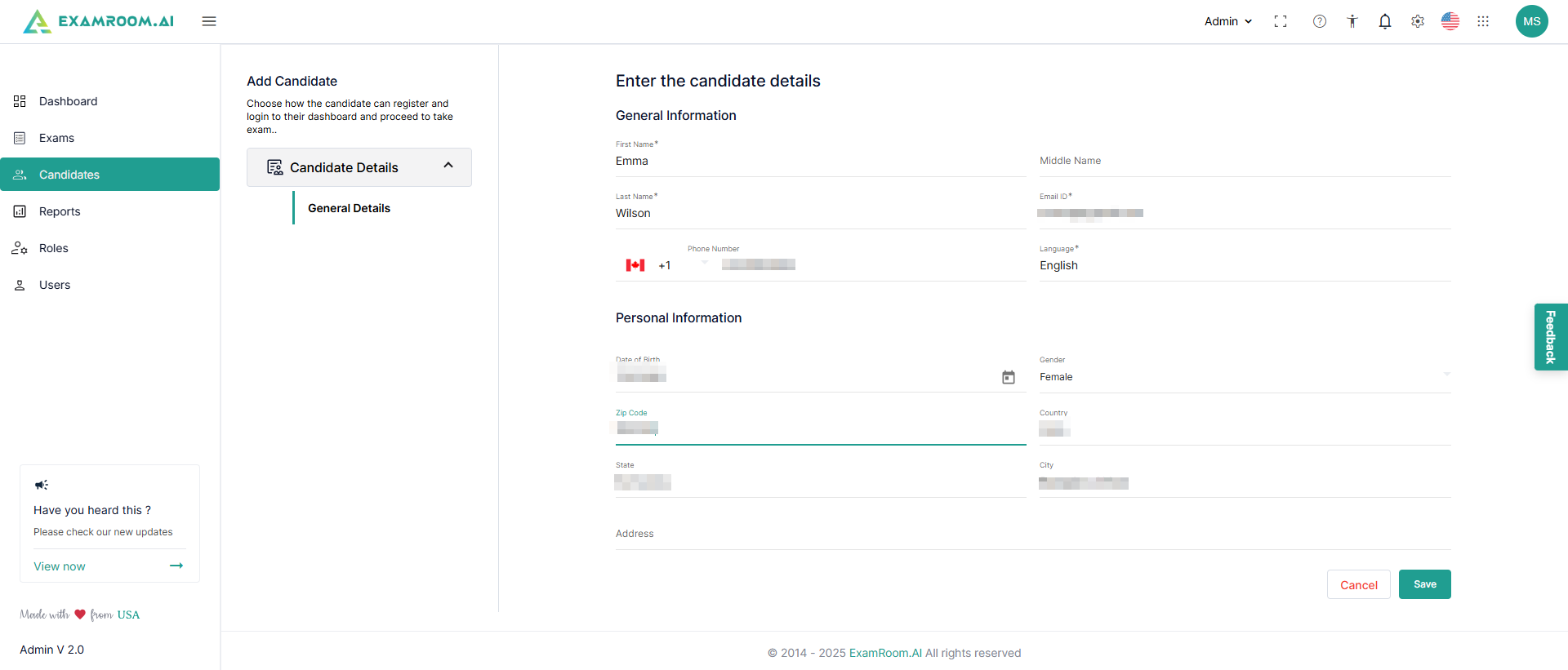
Enter the candidate's details, which include the general details of the candidate along with personal information.
Click Save to save the details and Cancel to exit.
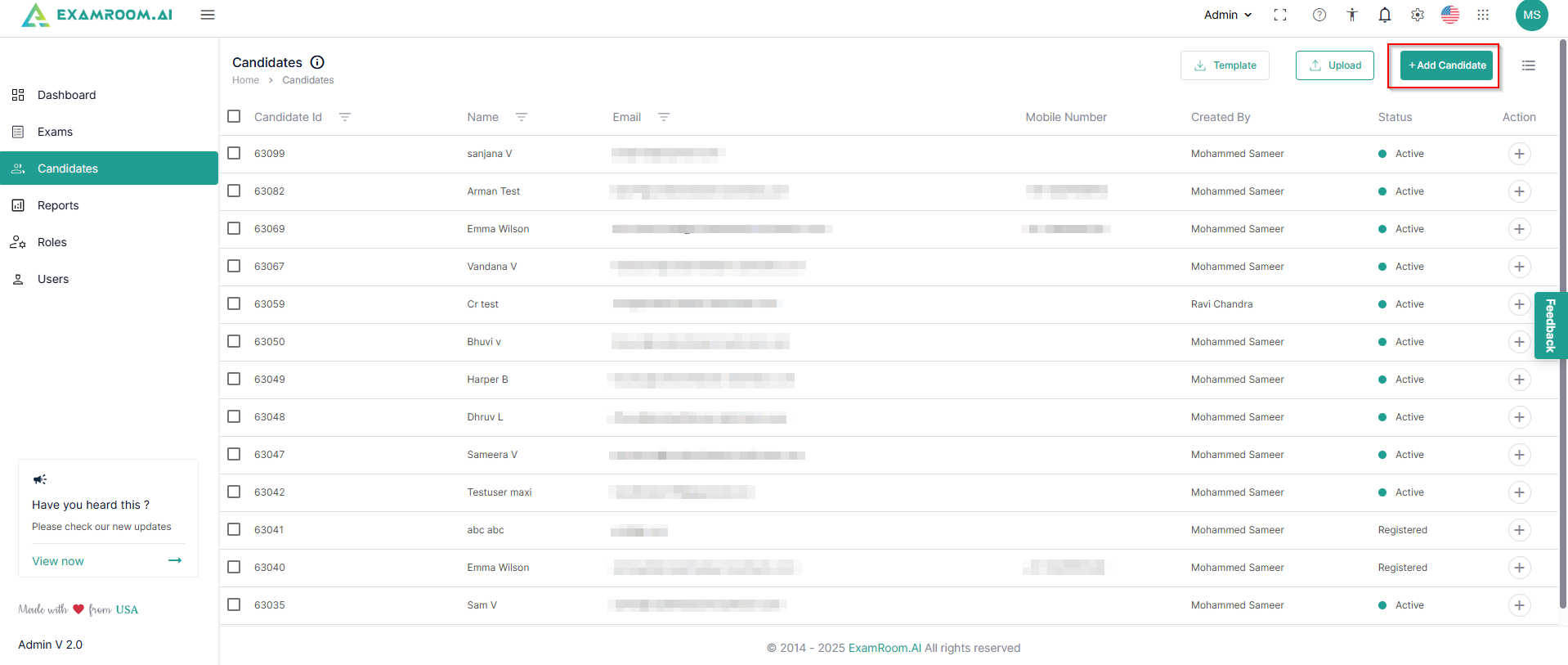
As you save the candidate details, a pop-up appears in the top right corner confirming the creation of the candidate, which can now be seen in the candidate list.