Candidates
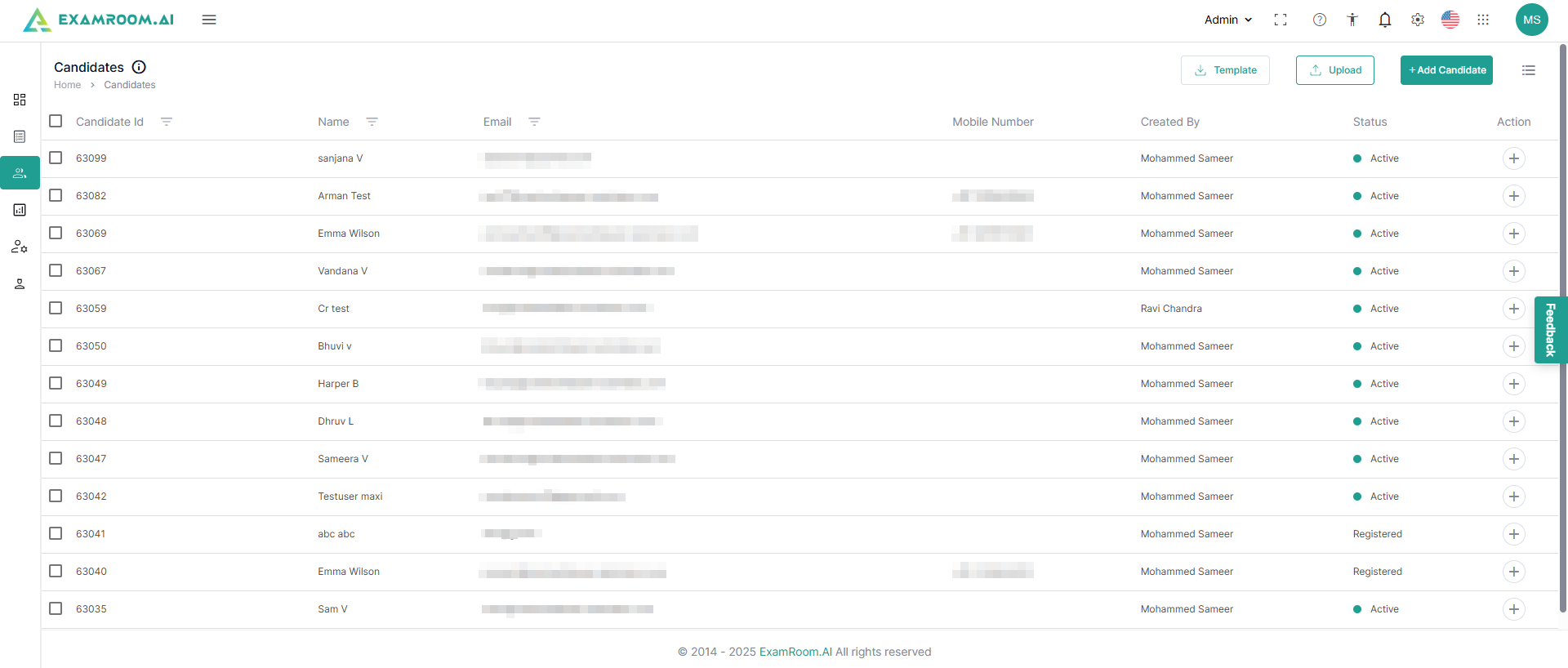
- Navigate to Candidates on the left navigation menu to view candidates.
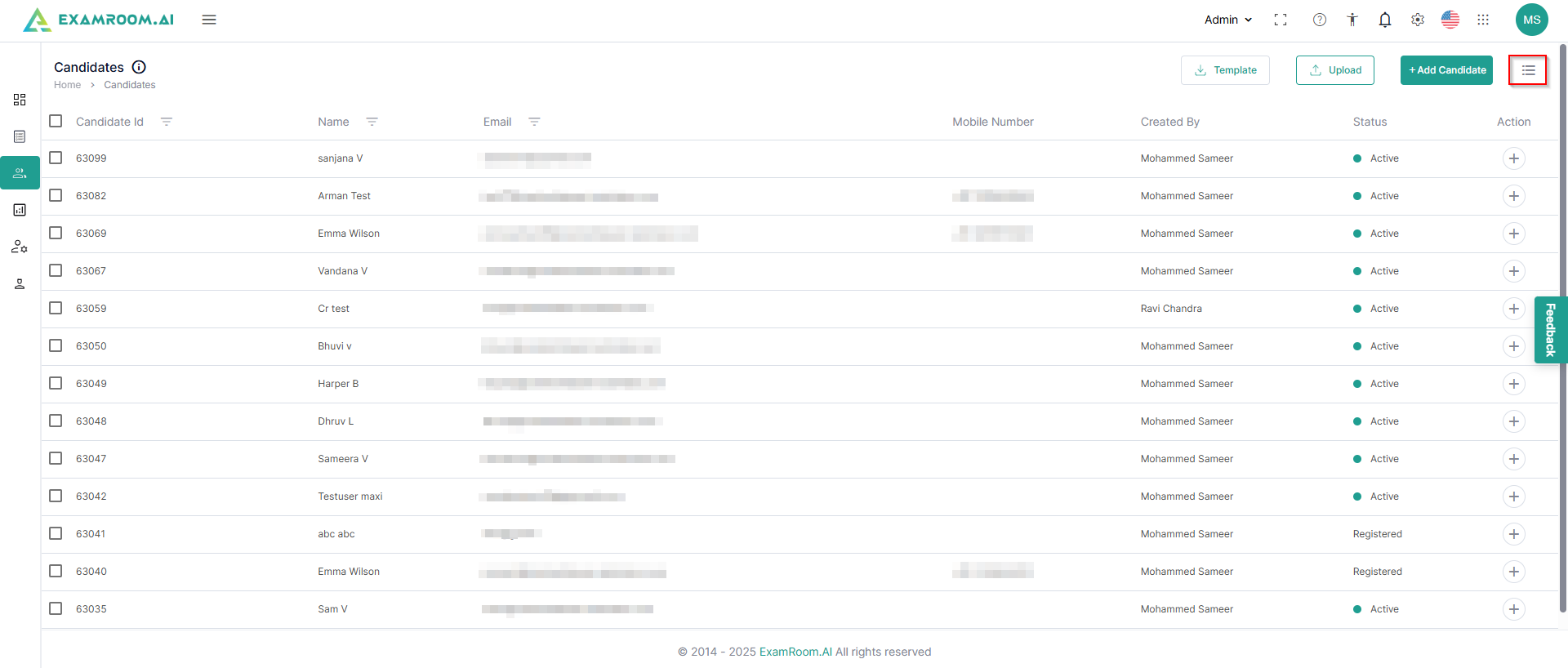
- You can view the columns of your choice by using the customize display option.
- In the All Candidates section, the Candidate List is displayed with the following details:
- Candidate ID: Unique ID number of the candidate
- Name: Name of the Candidate
- Email: Email address of the candidate
- Mobile Number: Contact Number of the Candidate
- Created By: Name of the person (Client) who has created/added the candidate
- Status: Status of the candidate
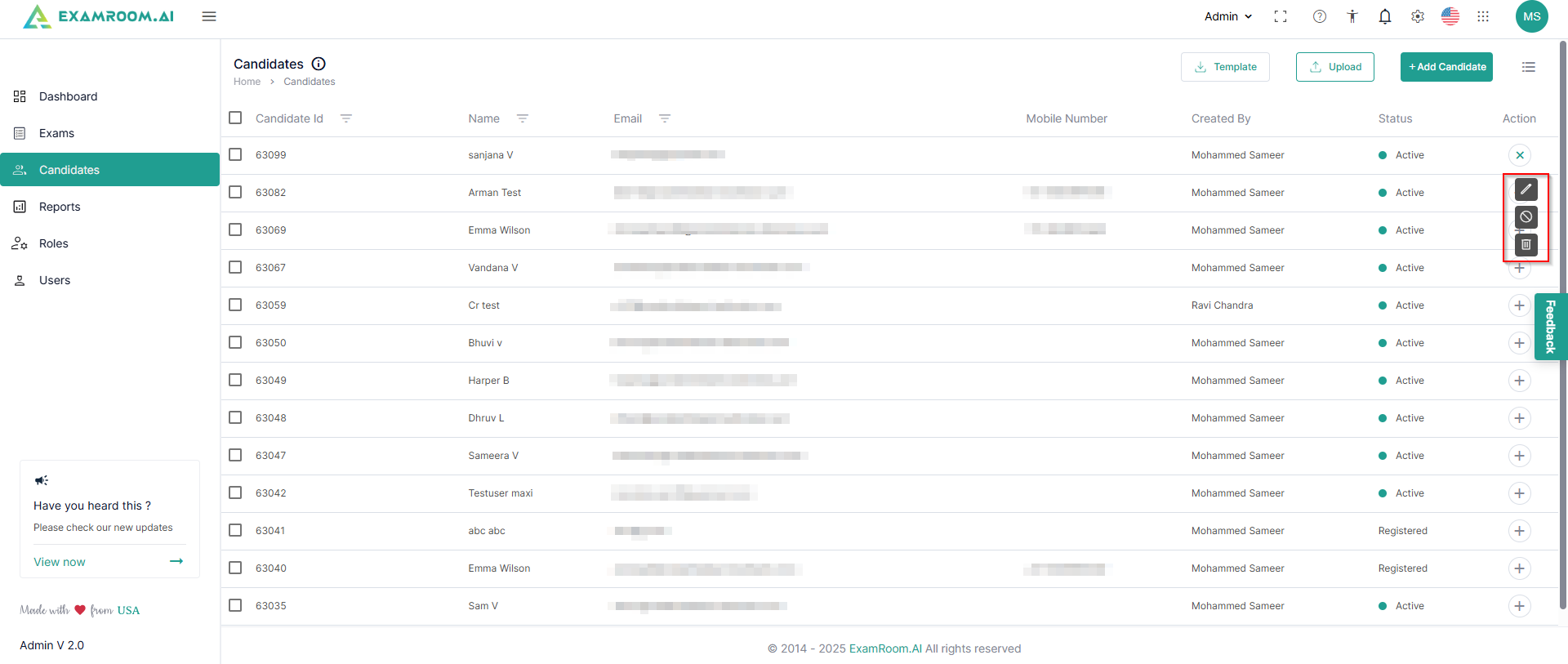
- Action: Available actions on candidates:
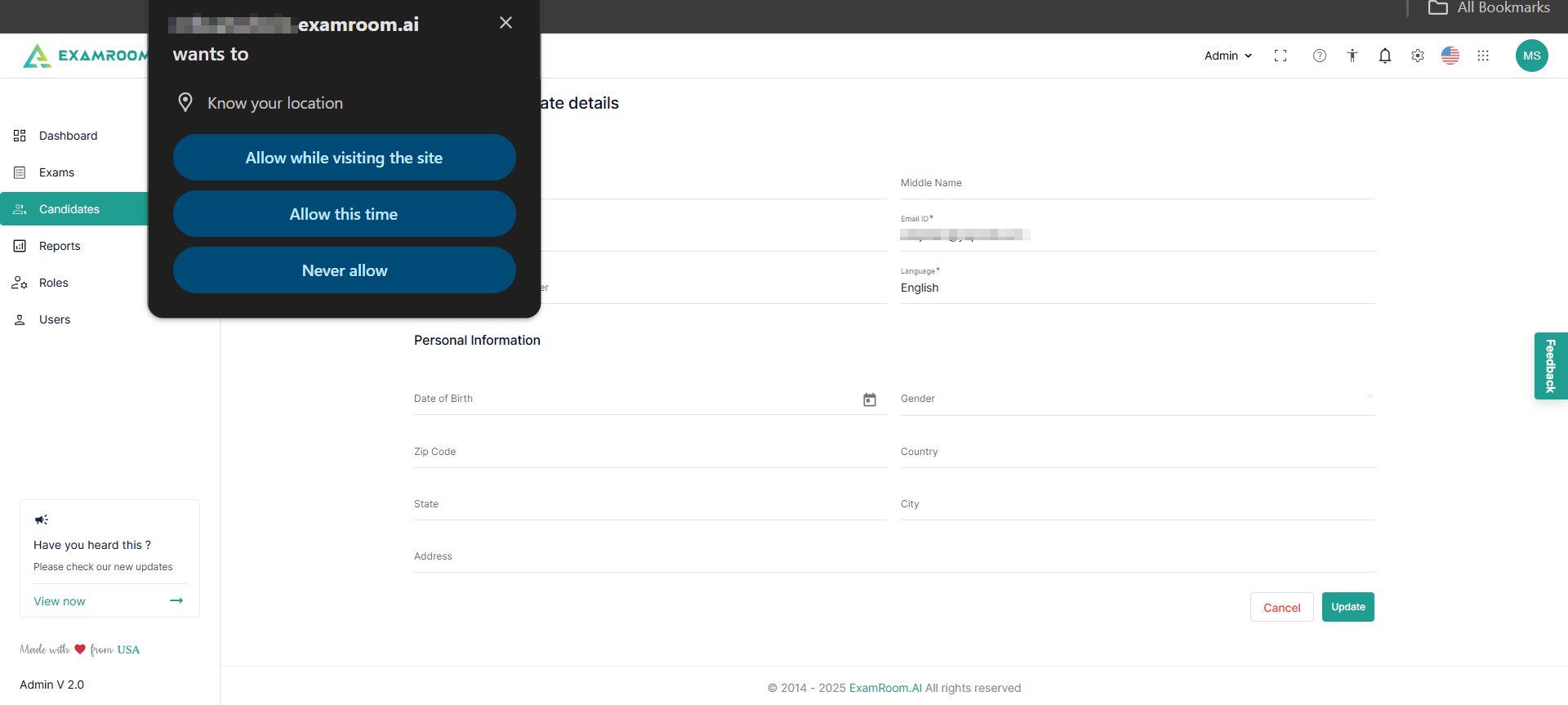
- Edit: Click to edit the candidate details.
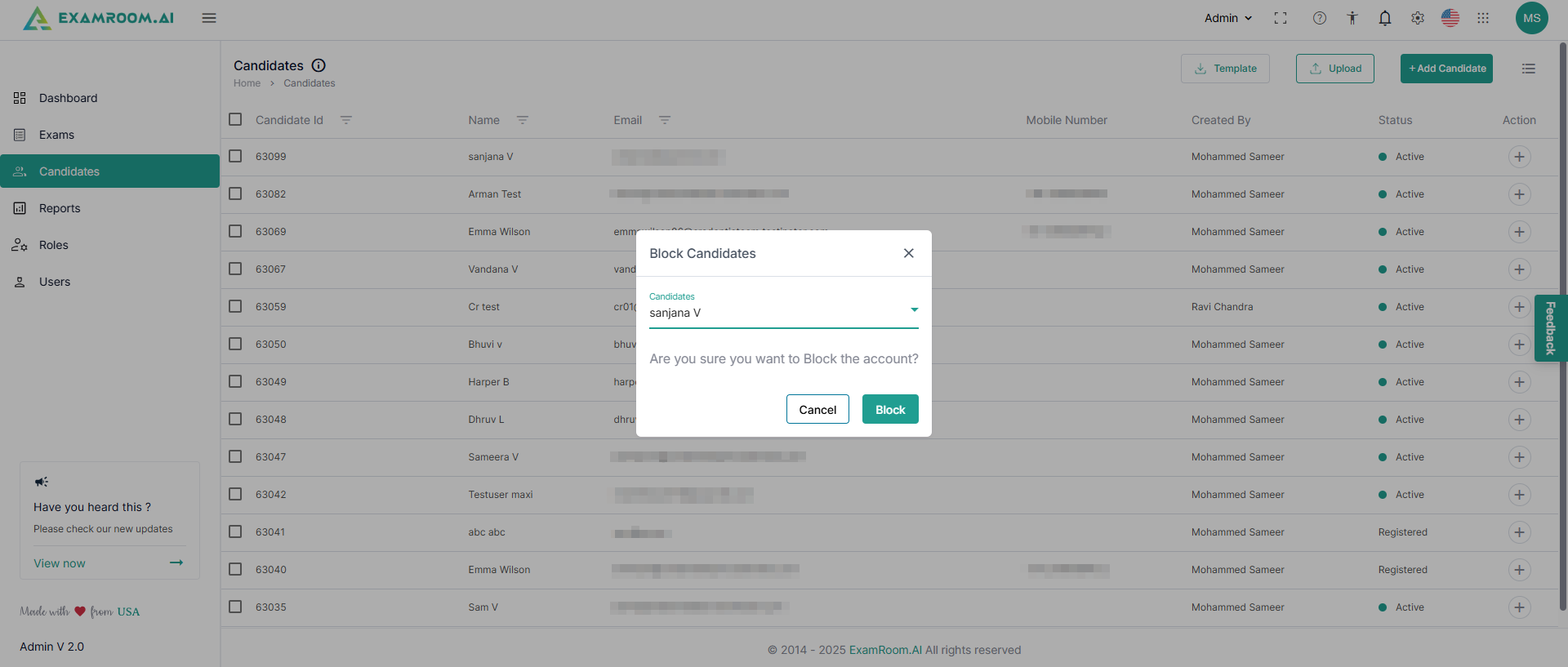
- Block: Click to block the candidate
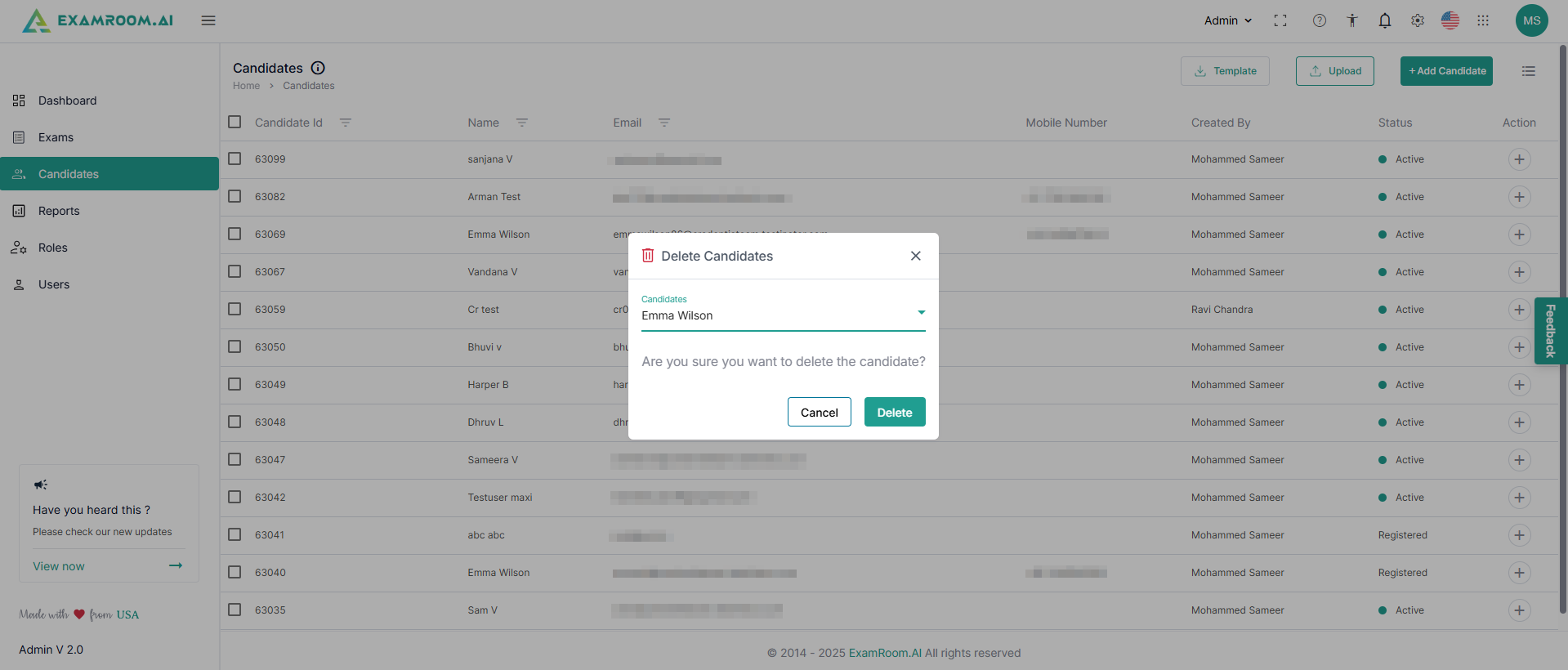
- Delete: Click to delete the candidate