Invite User – Single User
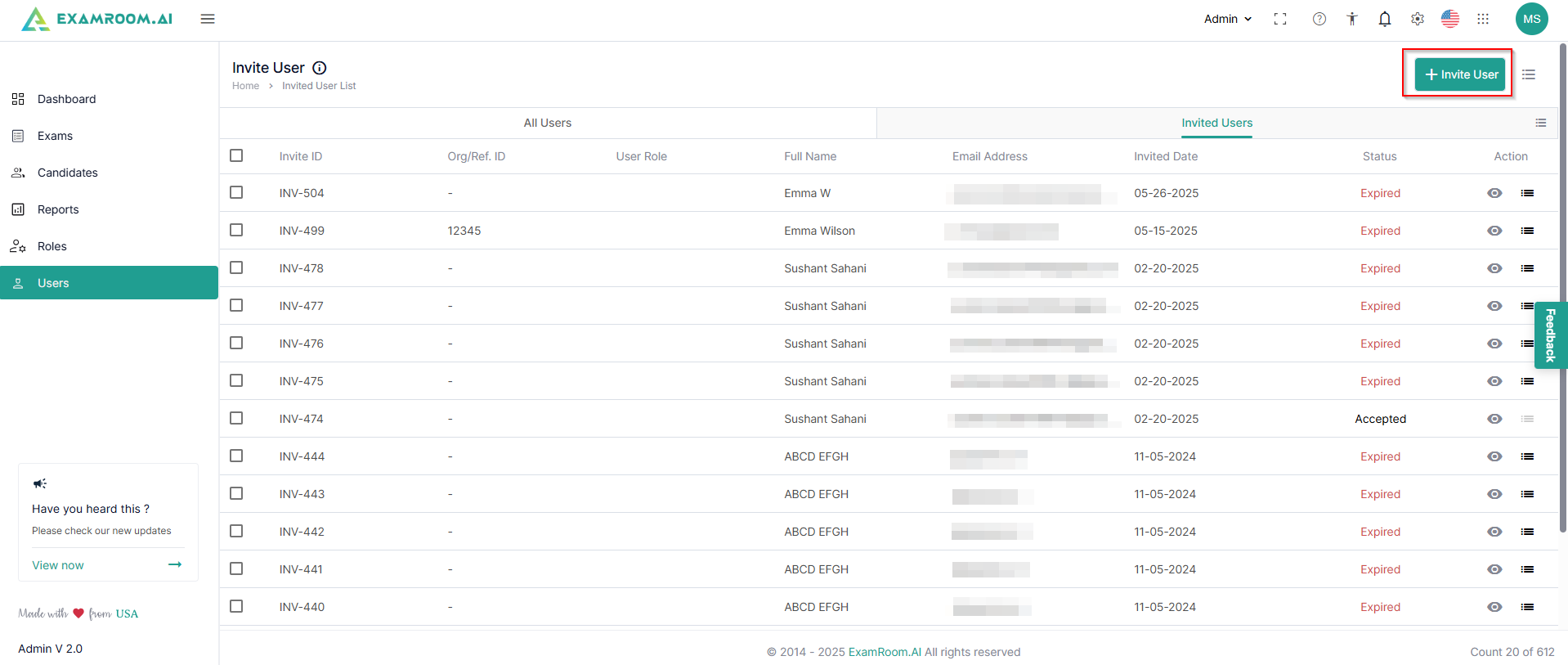
- Switch to the Invited Users list tab and click + Invite User to invite the new users.
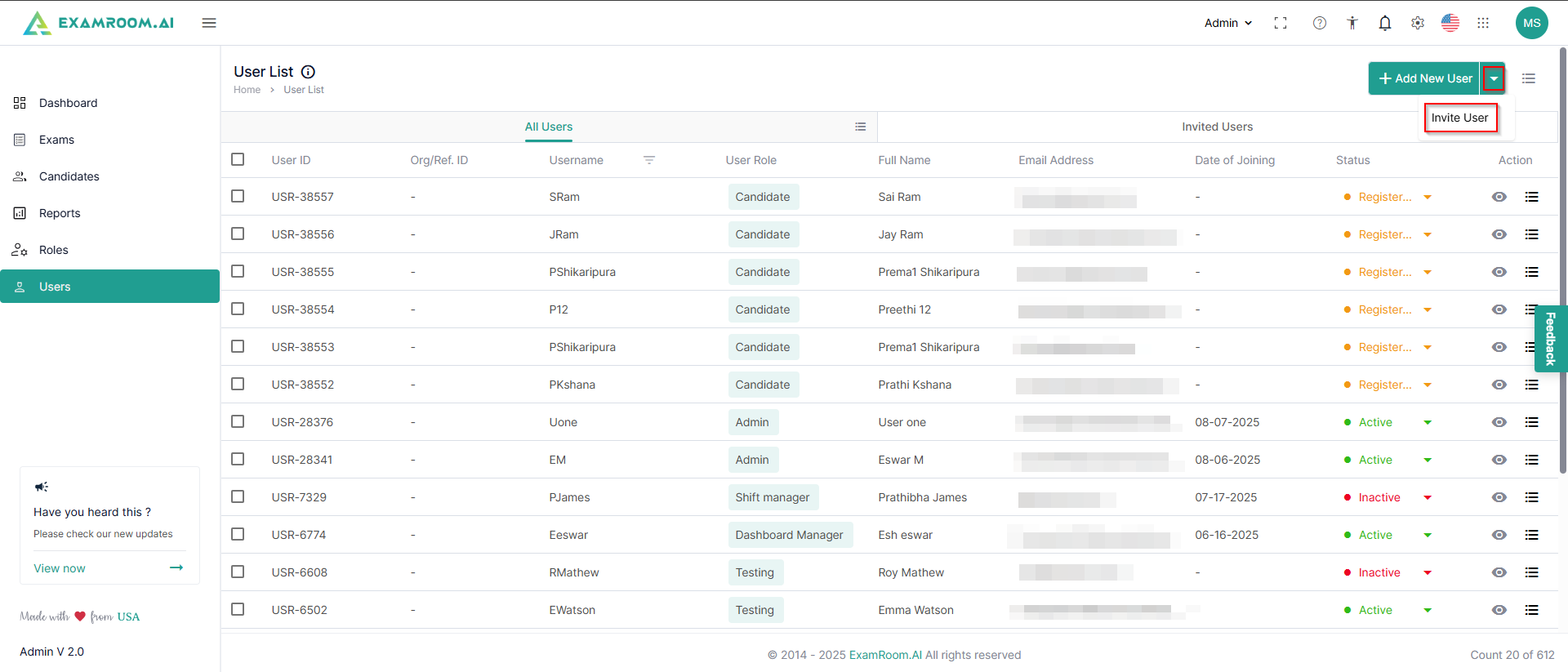
- Otherwise, if you are on the All Users tab, click the dropdown just next to the Add New User button and click Invite.
- Select the Single User option to invite an individual user and fill in their details.
- Click Send Invite to send the invitation to the user. Click Cancel to exit the inviting user option.