Roles
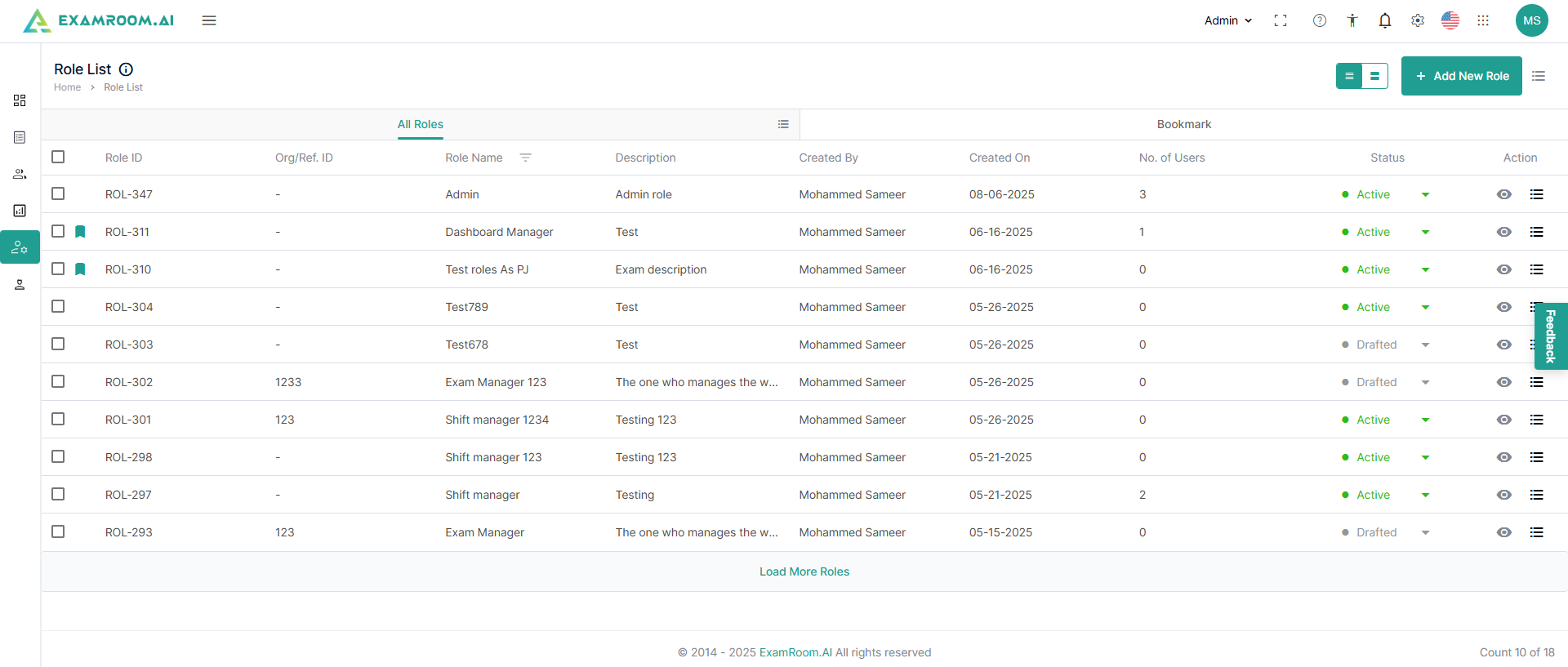
- Click Roles on the left navigation menu. It is divided into three sections. i.e., All Roles and the Bookmarked ones.
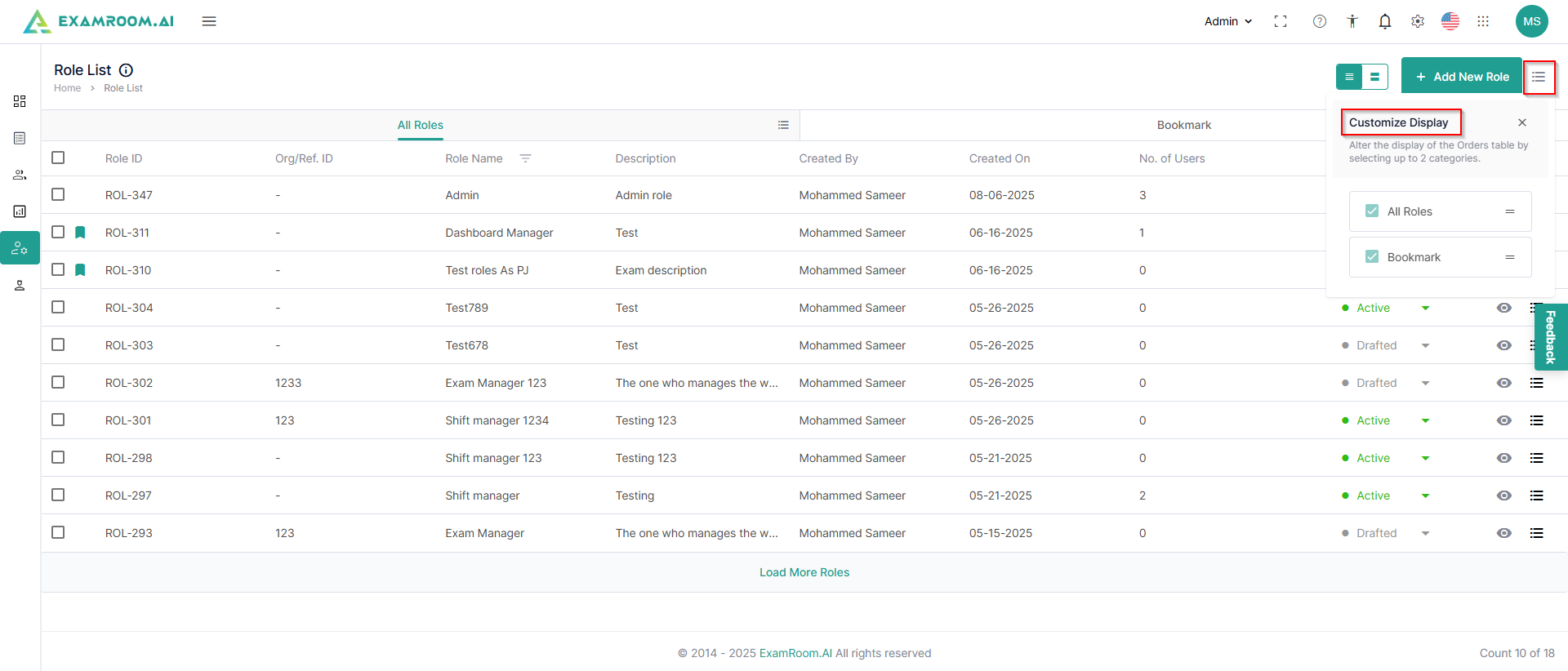
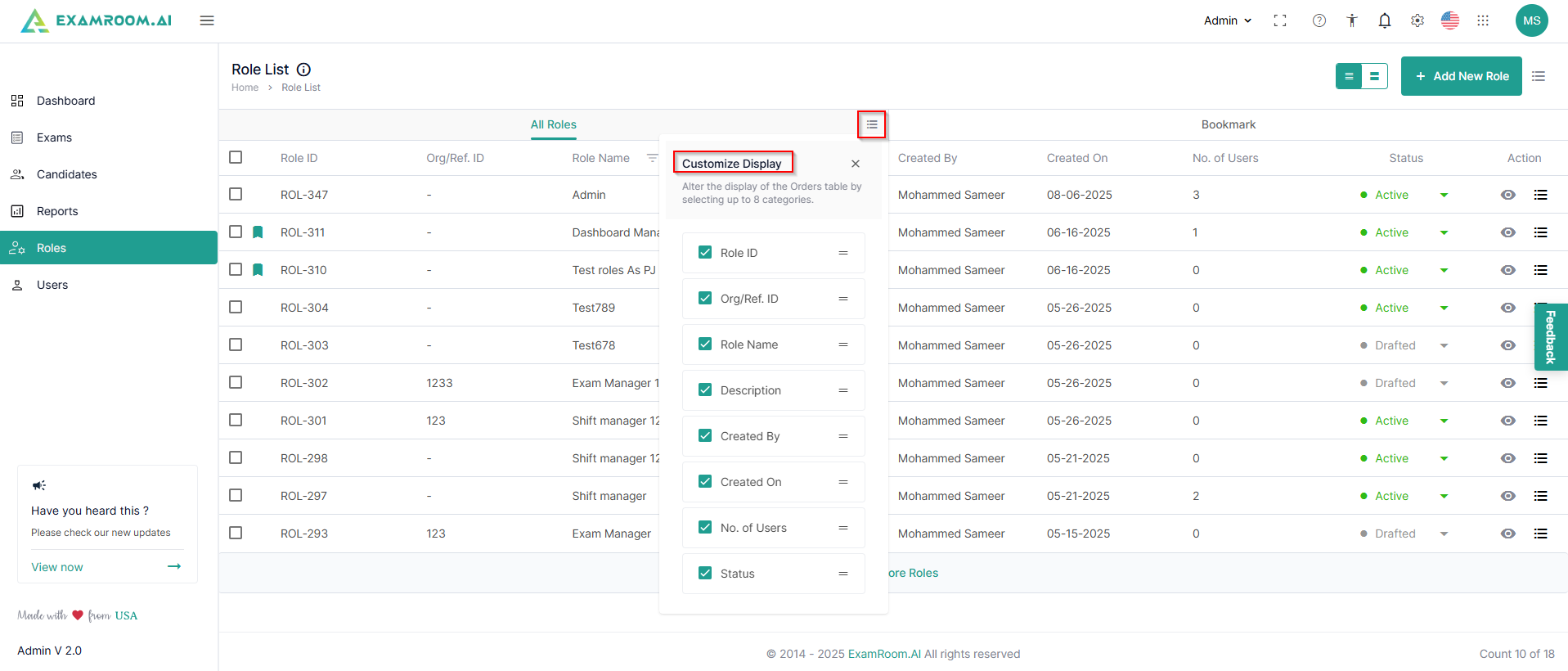
- You can customize viewing any of these through the customize display option.
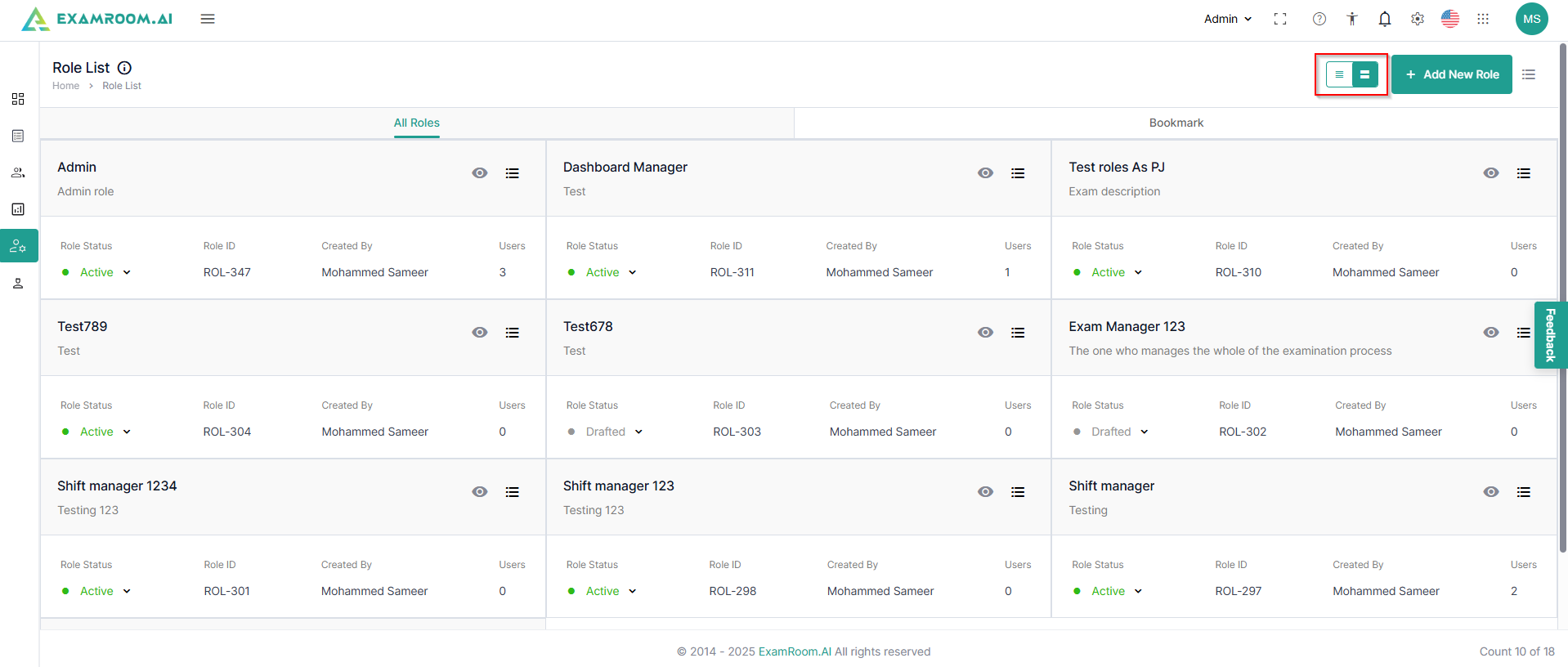
- There is also an option to view the role list in a grid.
- In the All Roles section, the list of roles is displayed with the following details:
- Role ID: Unique ID number of the role
- Org/Ref. ID: Organization or reference ID
- Role Name: Name of the created role
- Description: Description of the role
- Created By: Name of the person who created the role
- Created On: Date on which the role was created
- No. of Users: Count of users under that role
- Status: Current status of the role
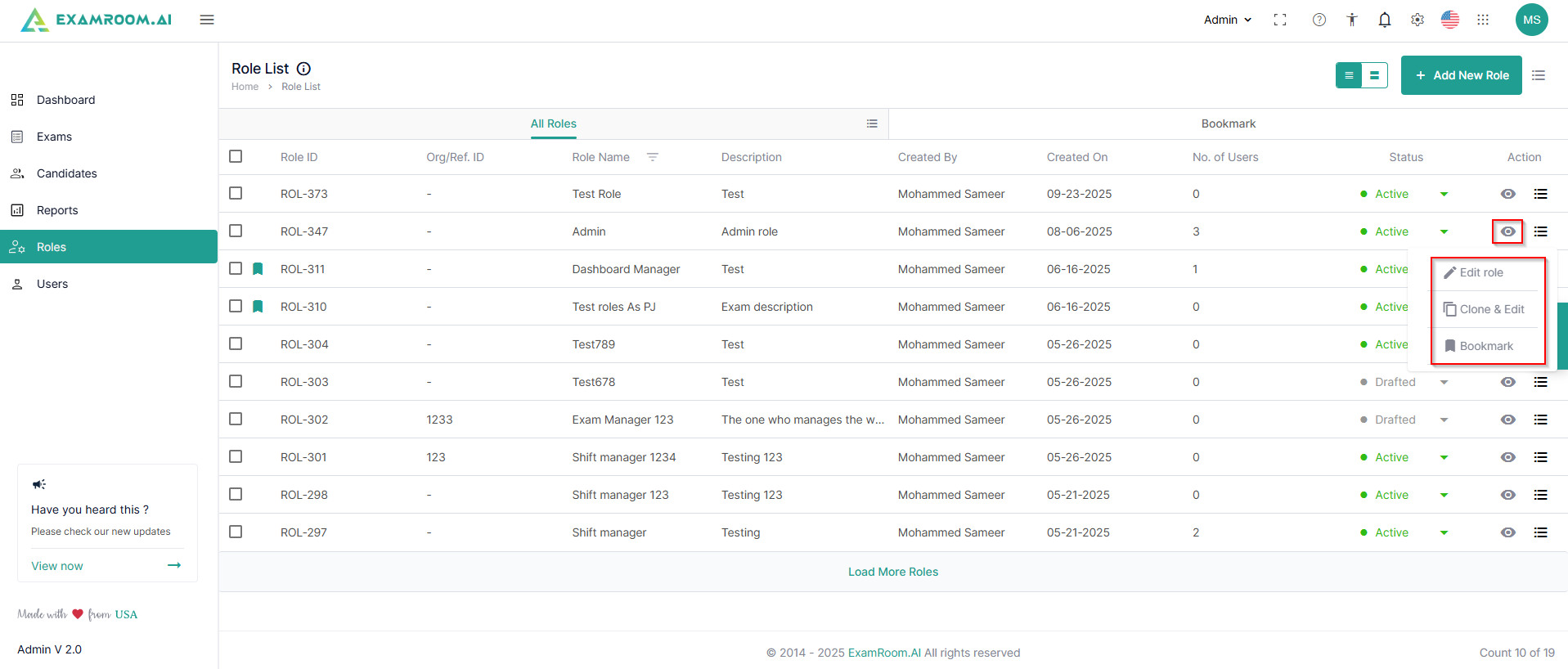
- Action: Available actions on role
- View: Click to get a detailed view of the role
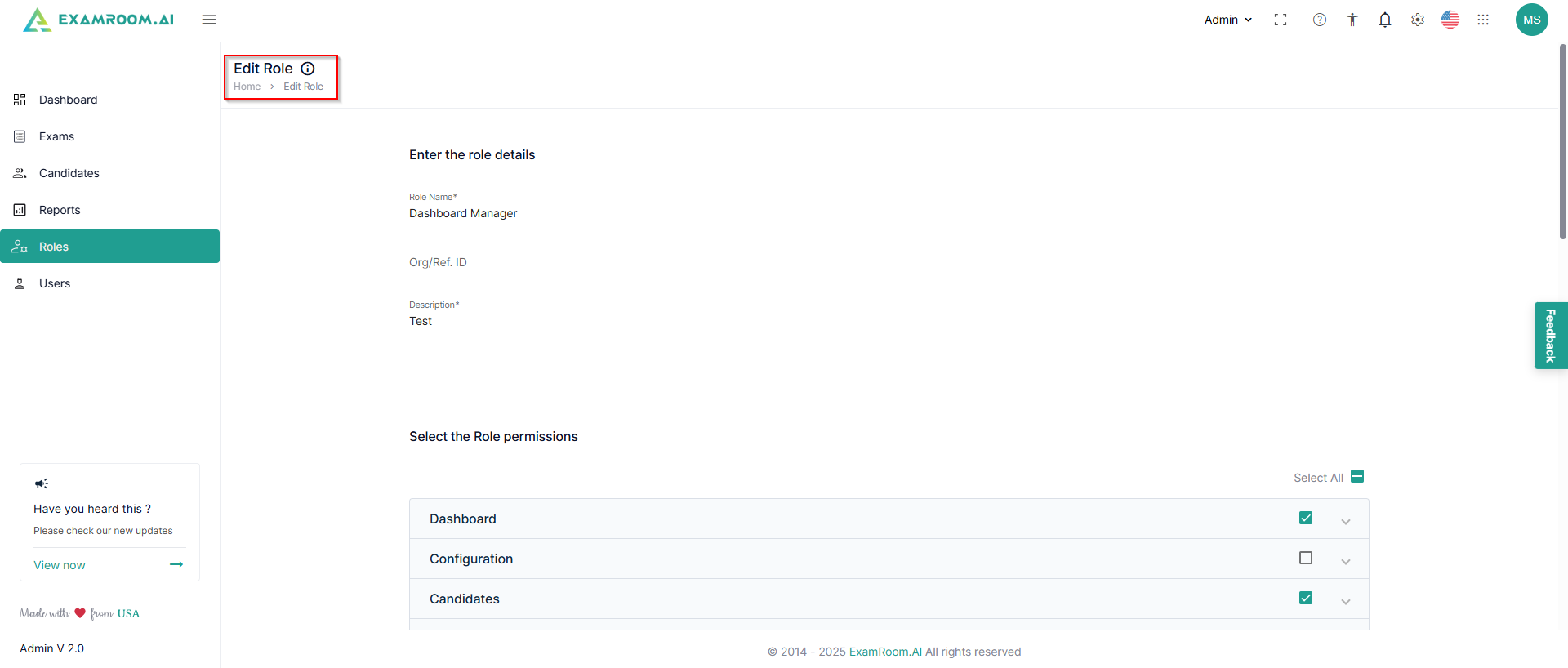
- Edit: Click to edit the role
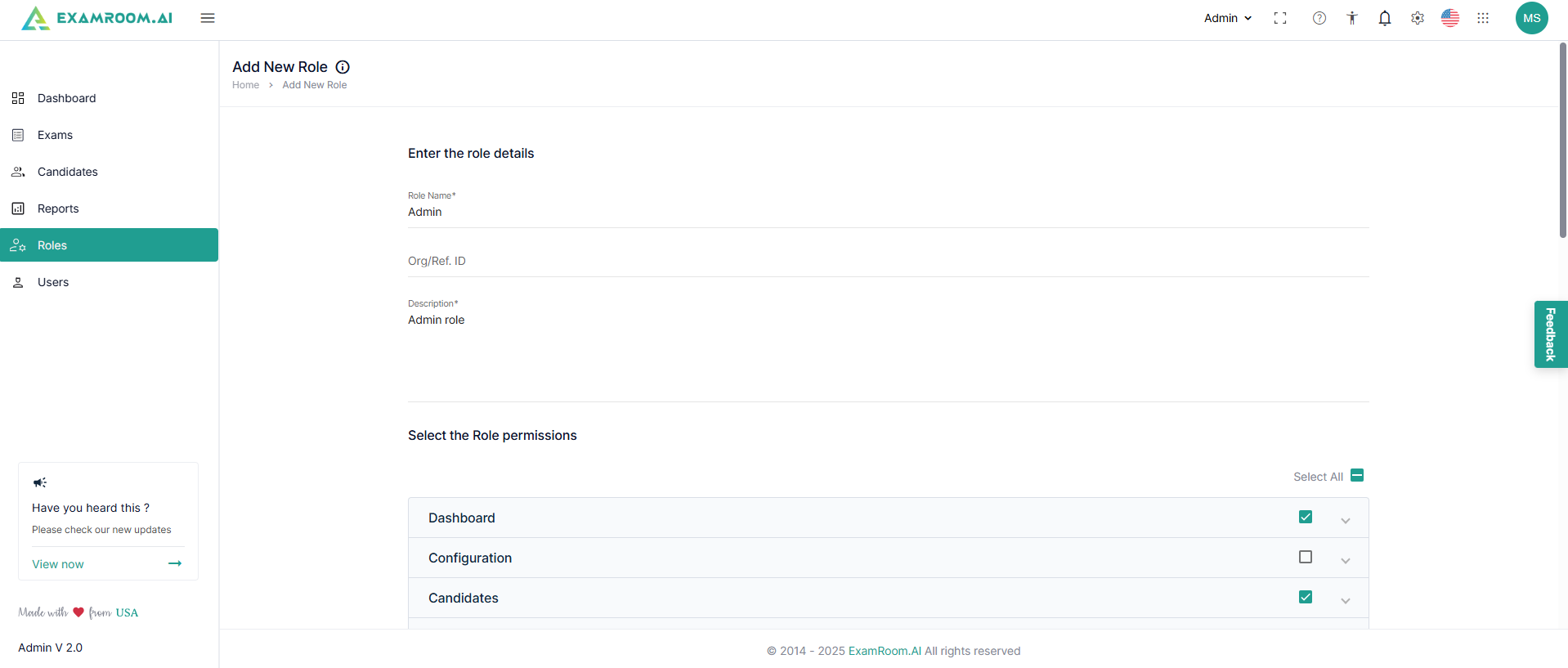
- Clone & Edit: Click to clone a created role and edit to create a same/similar role
- Bookmark: Click to bookmark a created role
- You can customize the display to view the desired columns.
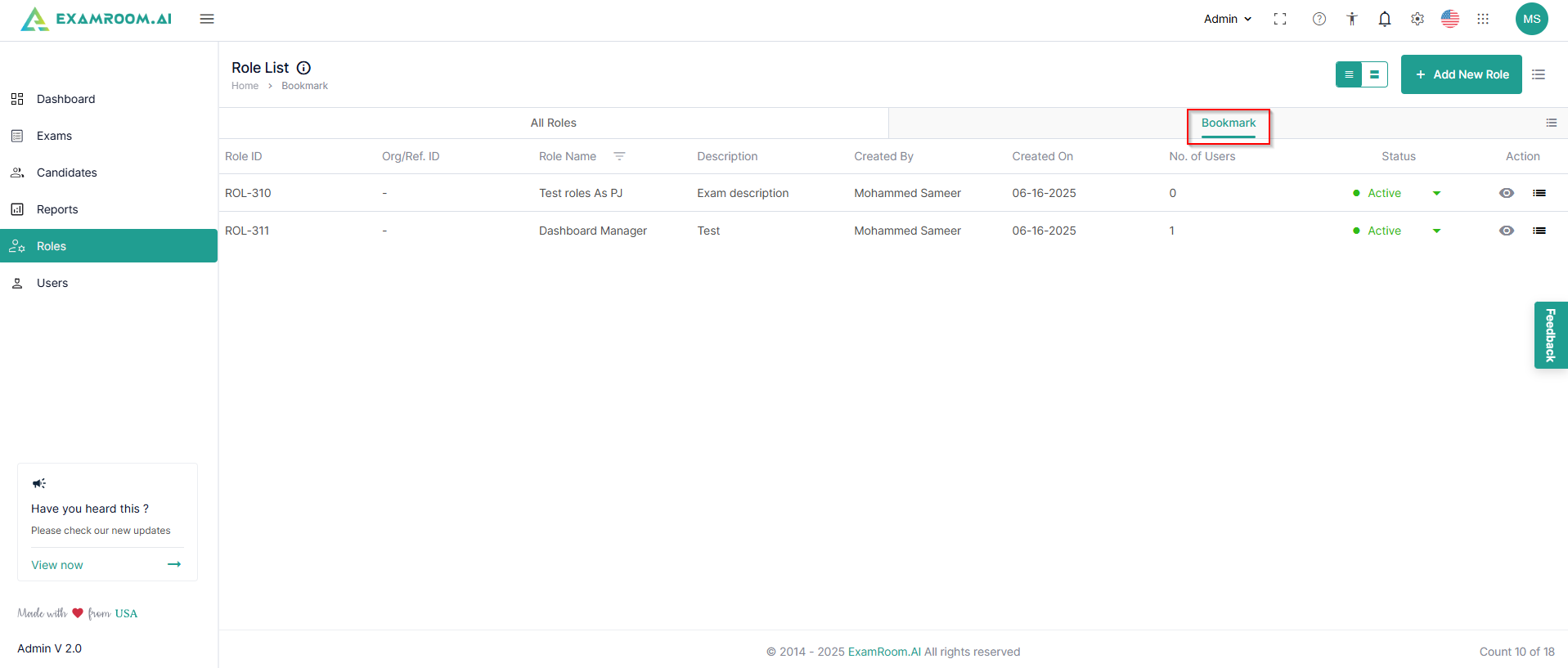
- You can check the bookmarked Roles under the bookmark tab.